| |
|
There is so much astronomy and astrophotography
software available now that you could easily spend more on software than you've
spent on equipment. But the good news is that there is some really good software
that is affordable, and even some that is totally FREE!
We have divided software tools into 2 broad categories:
- Planetarium (observing planning tools)
- Astrophotography
The links on the left represent only a small fraction of the most popular
programs currently available.
Planetarium Software
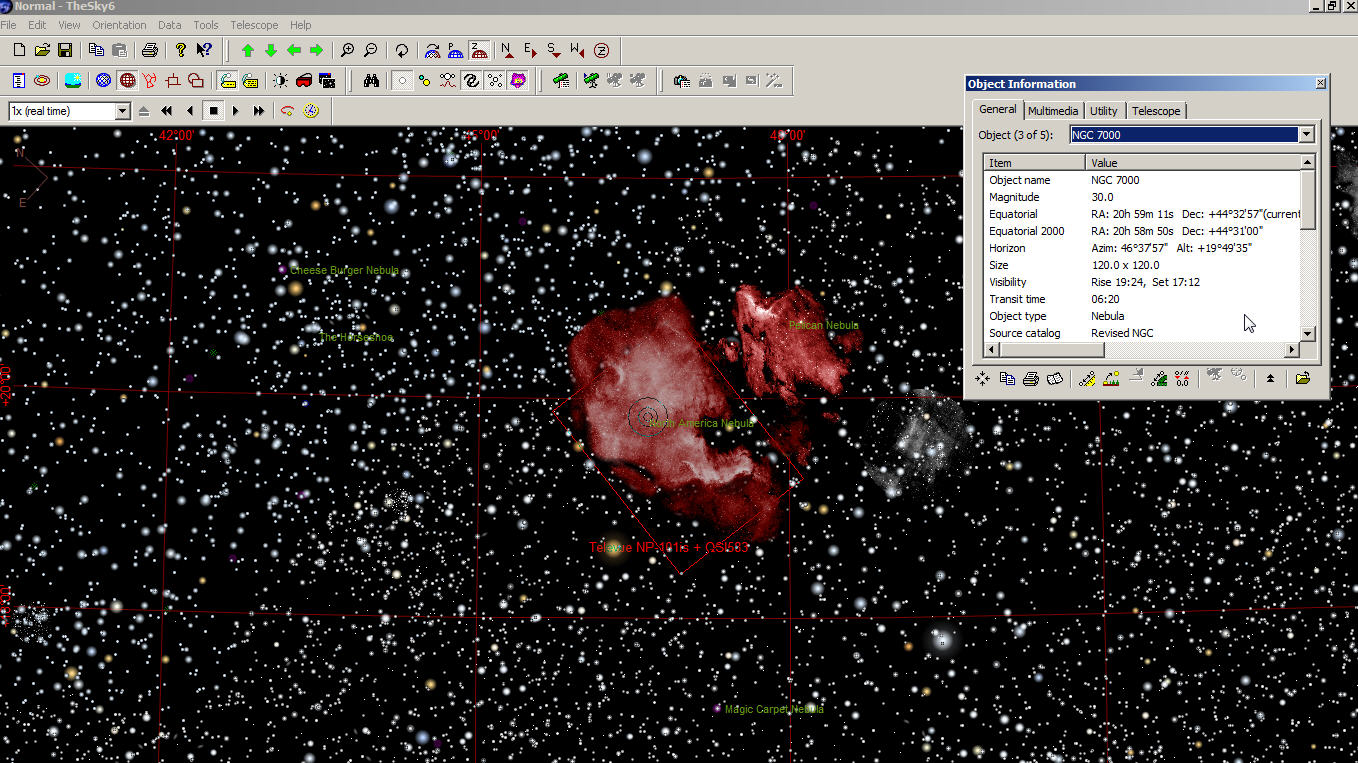
A good planetarium program will allow you to determine what objects are viewable
based on your observing location, date, and time. You can change the date and
time ( next month or even 4000 BC) and it will show objects that will (were)
viewable for the time and date you chose. Some planetarium programs can also
display details about planets (moon transits for example), satellites (including
ISS), and asteroids.
Whether you are strictly a visual observer or an astrophotography junky,
everyone should have a good Planetarium program. Clear, dark skies are too
precious and rare to be wasting time deciding what objects are in good view
tonight.
Some programs have an extensive library of images and will also use the specs.
of your camera & scope to display "field of view" (represented by a rectangle)
that is overlayed on the object image. This feature is essential for imagers as
it allows us to pick imaging candidate targets that are the appropriate size for
the scope & camera being used.
There are even planetarium programs that will run on a "smart phone" and even
the free planetarium software can connect to your mount and command your scope to slew to a target.
Using a planetarium to control your mount is especially handy for
astrophotographers when trying to centre an object in the image frame because
the program will display where the telescope is pointing. Centering the object
is as simple as "clicking around" the object until the image is perfectly
centered.
Astrophotography Software
Thanks to a decade of affordable DSLR Cameras, astrophotography is more popular
than ever and the selection of software tools is impressive. Some are FREE while
others are expensive. Some are single purpose, while others offer an entire
suite of tools that combine all functions into a single integrated application.
The most popular features include:
- Image capture (set up a long exposure sequence and go have a
nap)
- Focusing aides
- Autoguiding
- Image processing (multiple exposure)
- Calibrate
- Align
- Stack
- Post processing tools to reduce
"sky-glow", enhance, etc., etc.
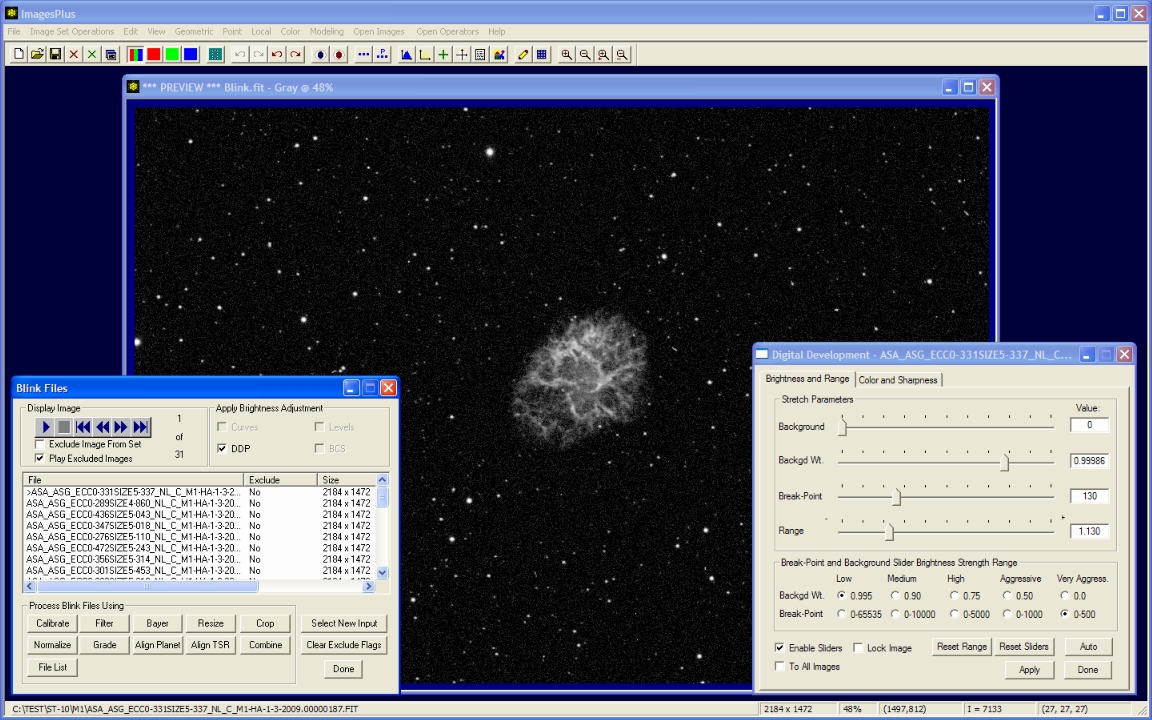
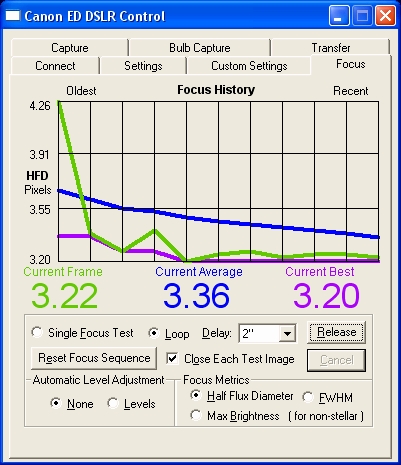
Images Plus Camera Capture, Focusing,
Post-Processing
Auto Guiding Software
Even the best and most expensive mounts cannot track
perfectly. In the "old days" (less than 10 years ago) the only way to correct
tracking errors was to use a high power telescope with an illuminated reticle
(eyepiece with "cross-hairs") and visually detect star movement and make manual
adjustments to the mount. Peering through an eyepiece for hours was no ones idea
of a good time. Thank goodness we don't have to do that anymore!
Autoguiding software uses a camera (similar to a
webcam) and small telescope to detect tracking errors in your mount. The guide
camera takes a picture every second (or whatever duration you choose) and
determines if a star has moved (how much movement and which direction). It then
does a calculation of how much/direction to "push the mount" and sends a command
to your mount (through the mount "Guide Port") to move the mount and get the
star back on track.
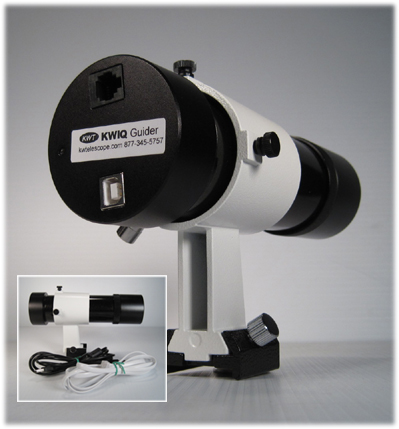
One of the most popular Guide Camera/Scope solutions is the invention of our
very own KW Telescope.... The
KWIQ Guider package. For less than $ 400.00 you get everything you need. And
just like its expensive cousins, the camera has a built-in guide port and uses a
standard 6-conductor phone line to connect to the guide port on your mount.
The "commands" sent to the mount are the same as if you were pressing the
direction controls on your hand controller.
| |